In my ongoing exploits into the world of AI and vibecoding, I stumbled upon an idea for an app. My daughter is of an age where she’s trying to learn her times tables. On seeing her use her schools recommended app for practising these kinds of things – SumDog, I came to the conclusion that she spends a huge amount of time using the “game” elements of the app rather than rattling through lots of quiz exercises to get the tables burnt into her memory. It made me think that there has to be a tool out there which would do this job better. Then I remembered my own childhood…
Back in the day, when I were a lad, my dad bought the family a BBC Micro Model B computer. And I used to practise my times tables using a program which we borrowed from the local library. It was a very simple program. It gave you simple quizzes for each table. Eg. 2 times table it would ask, 2 x 1 = … and you would type in your answer. If you got the answer correct, you’d move on to 2 x 2, and so on. But the cool thing (or so I thought) was that it timed how long it took you to complete the quiz. And thus, once I completed the quiz, I would then go back and do it again to try and beat my previous best time.
Eventually, remembering the table wasn’t the tricky bit – it was trying to figure out ways of how I could input the answers faster – I wasn’t concerned anymore about getting the answers right because after a while I knew the answers anyway through repetition – which I guess was the idea.
And so – this is where MaxMath comes in. I’ve been dabbling with AI vibecoding, and figured this would be an easy enough project to try and do with AI – and this time I tried it with Claude Code which I had newly discovered as it has been lauded as one of the best vibecoding tools.
Given that my daughter uses an iPad for her Sumdog and MineCraft exploits I figured this should be created for tablets – both iOS and Android. So I set to work…
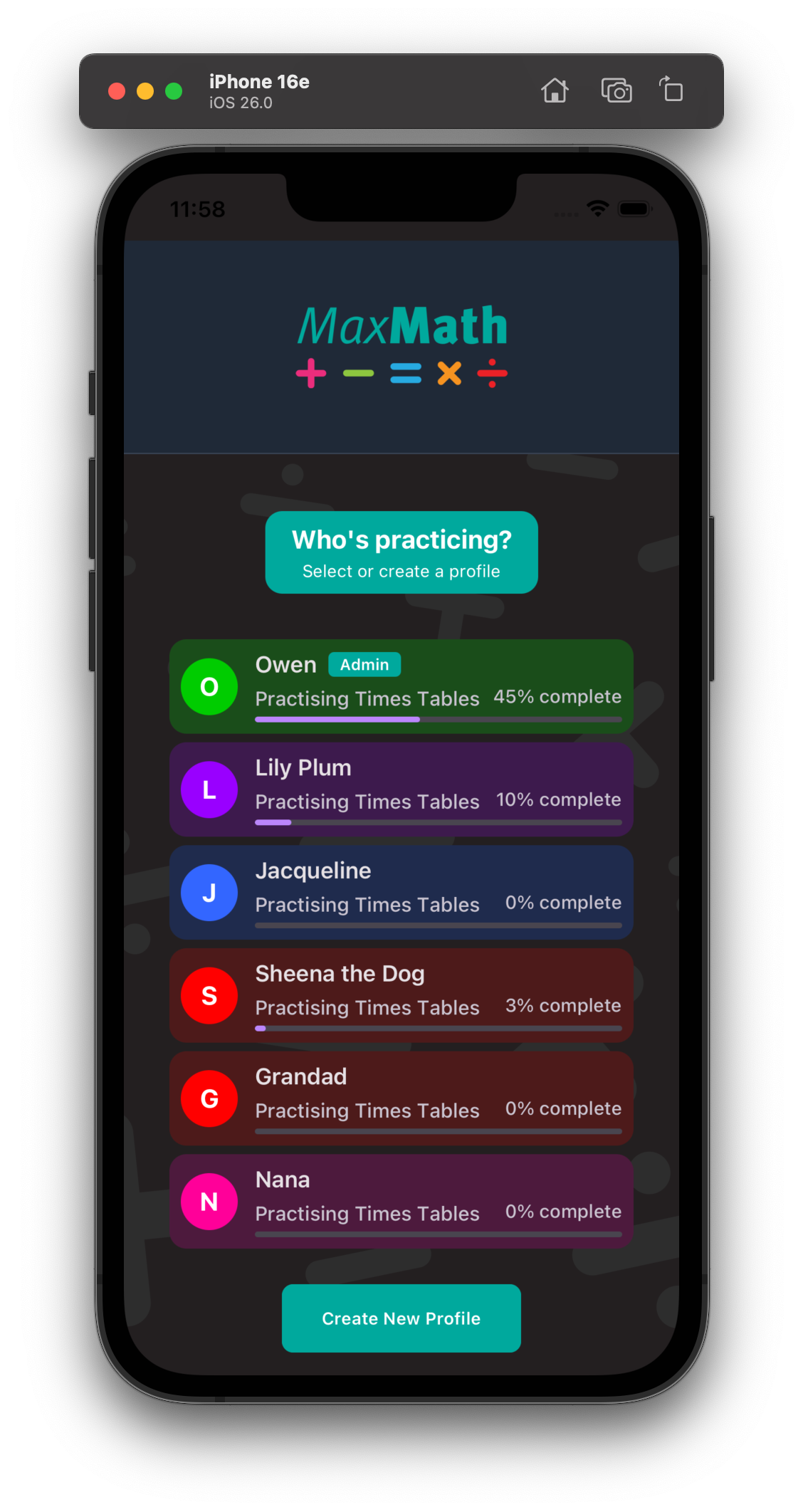
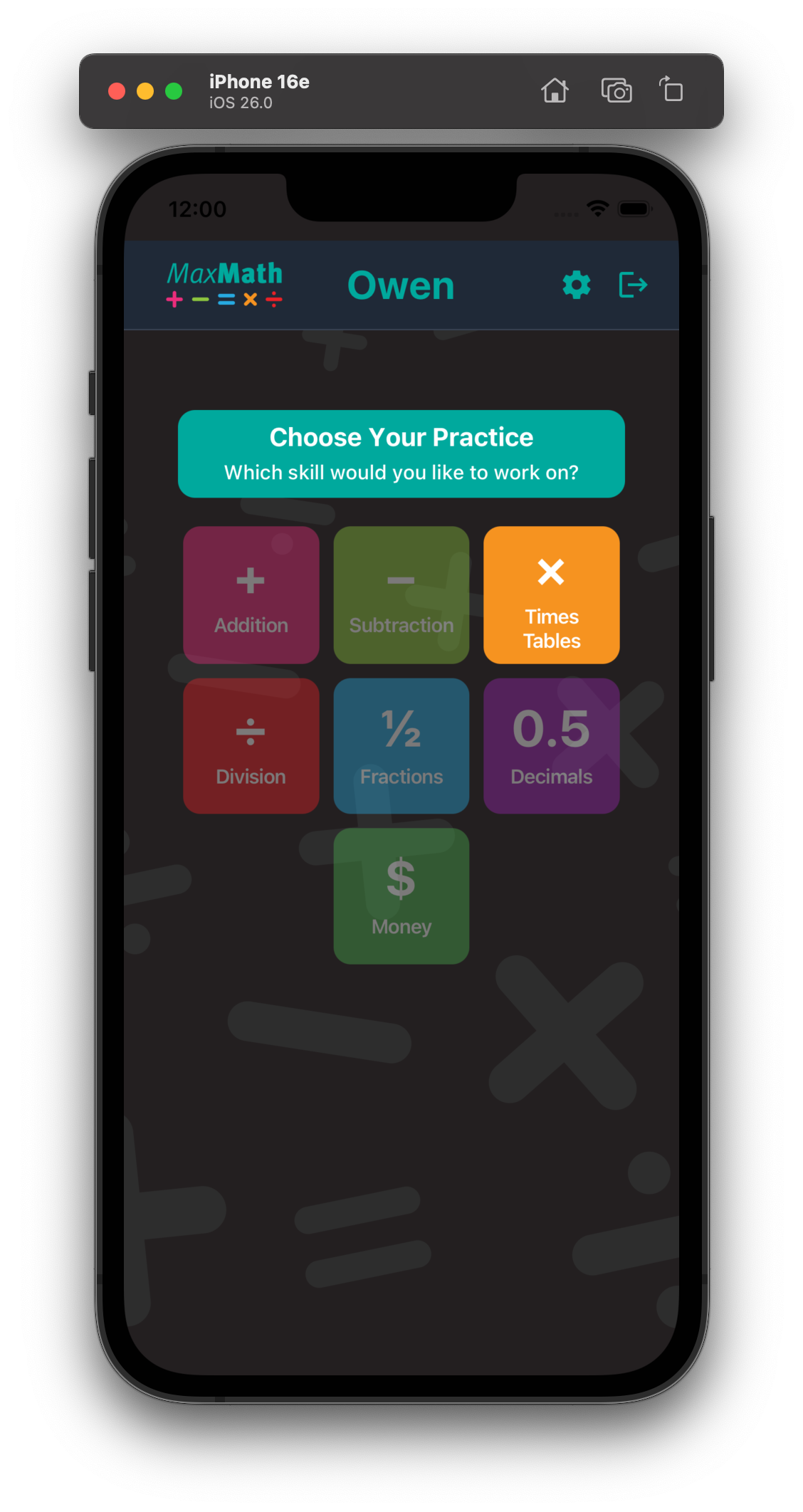

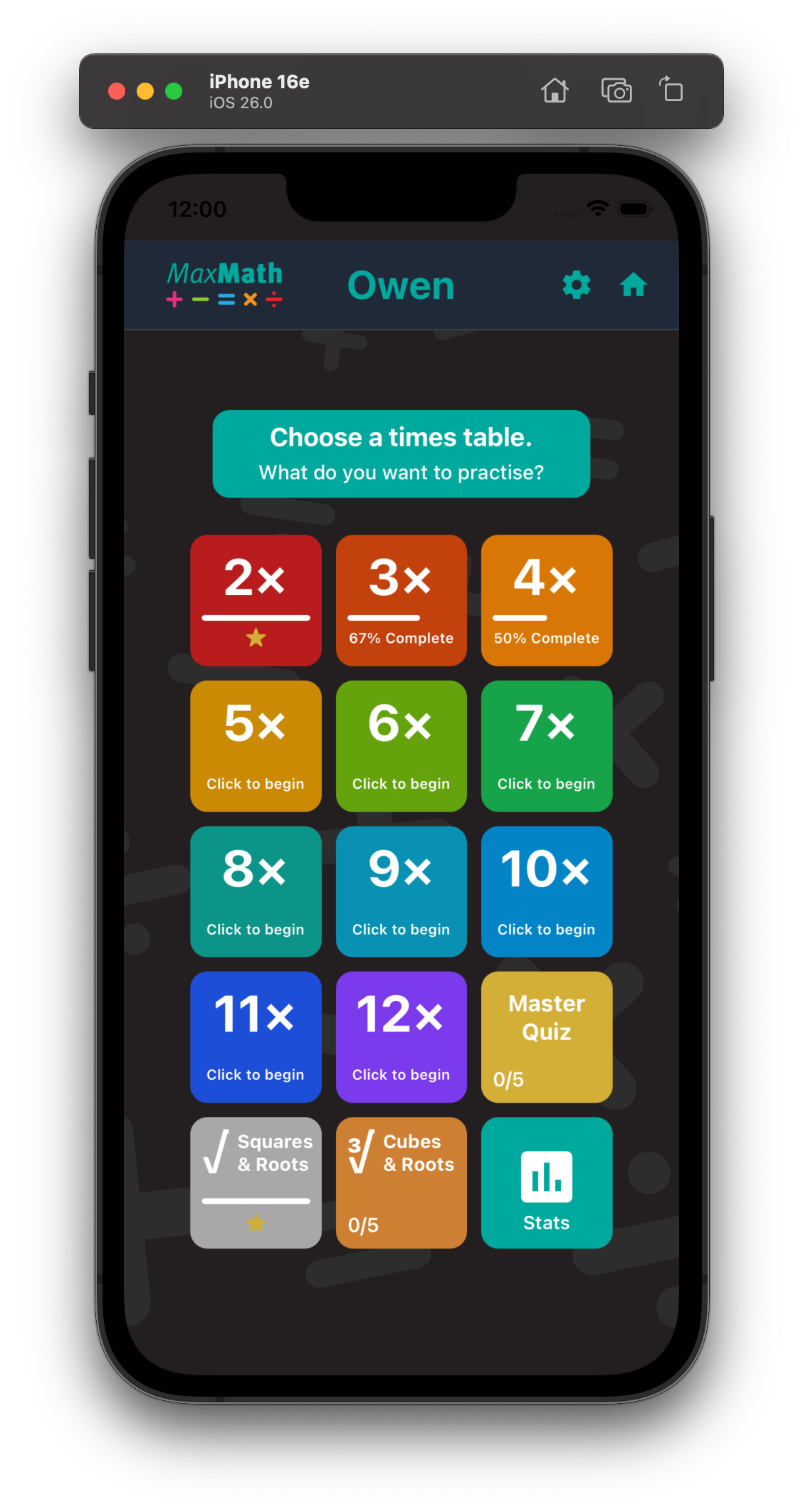
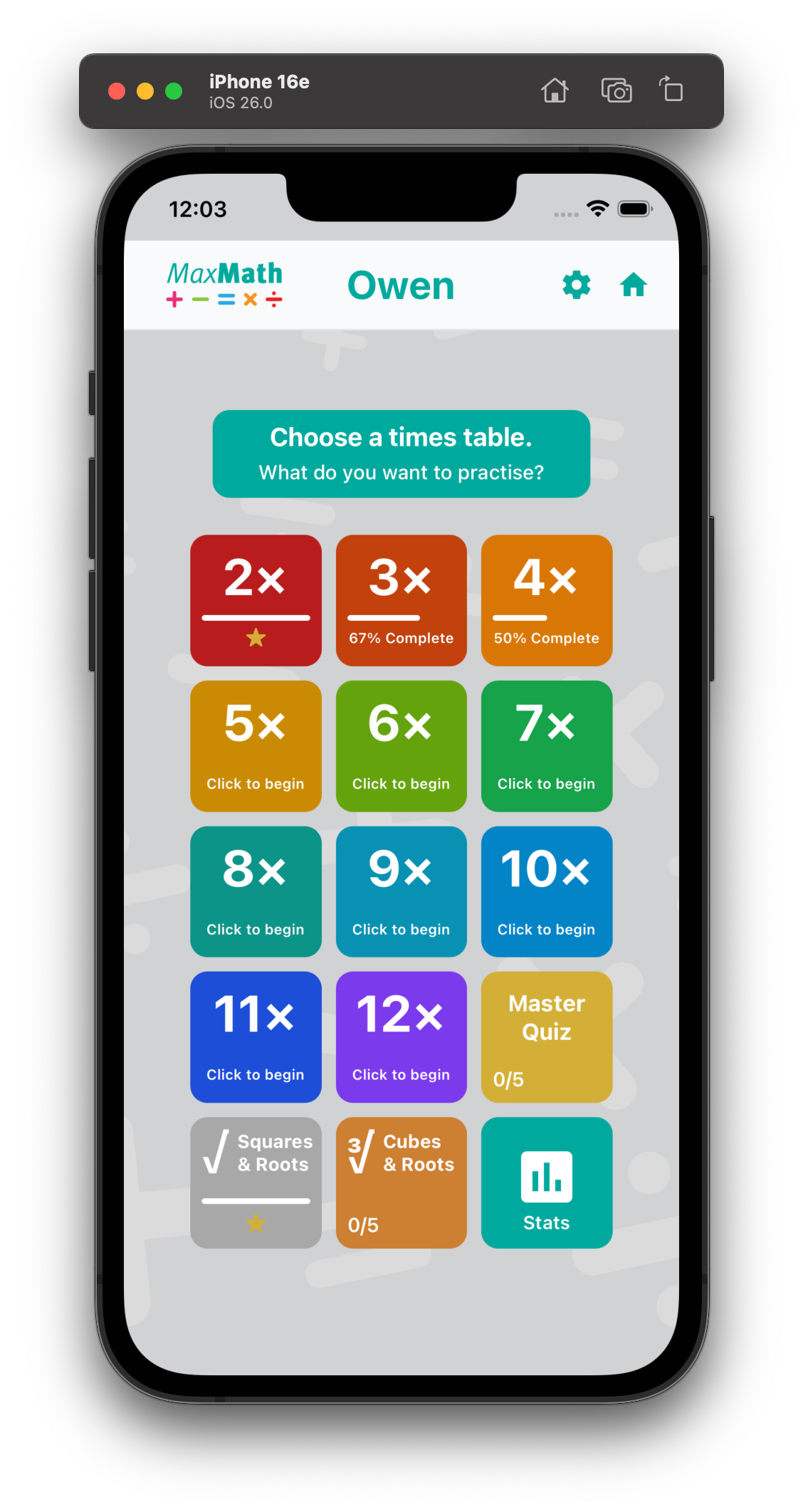
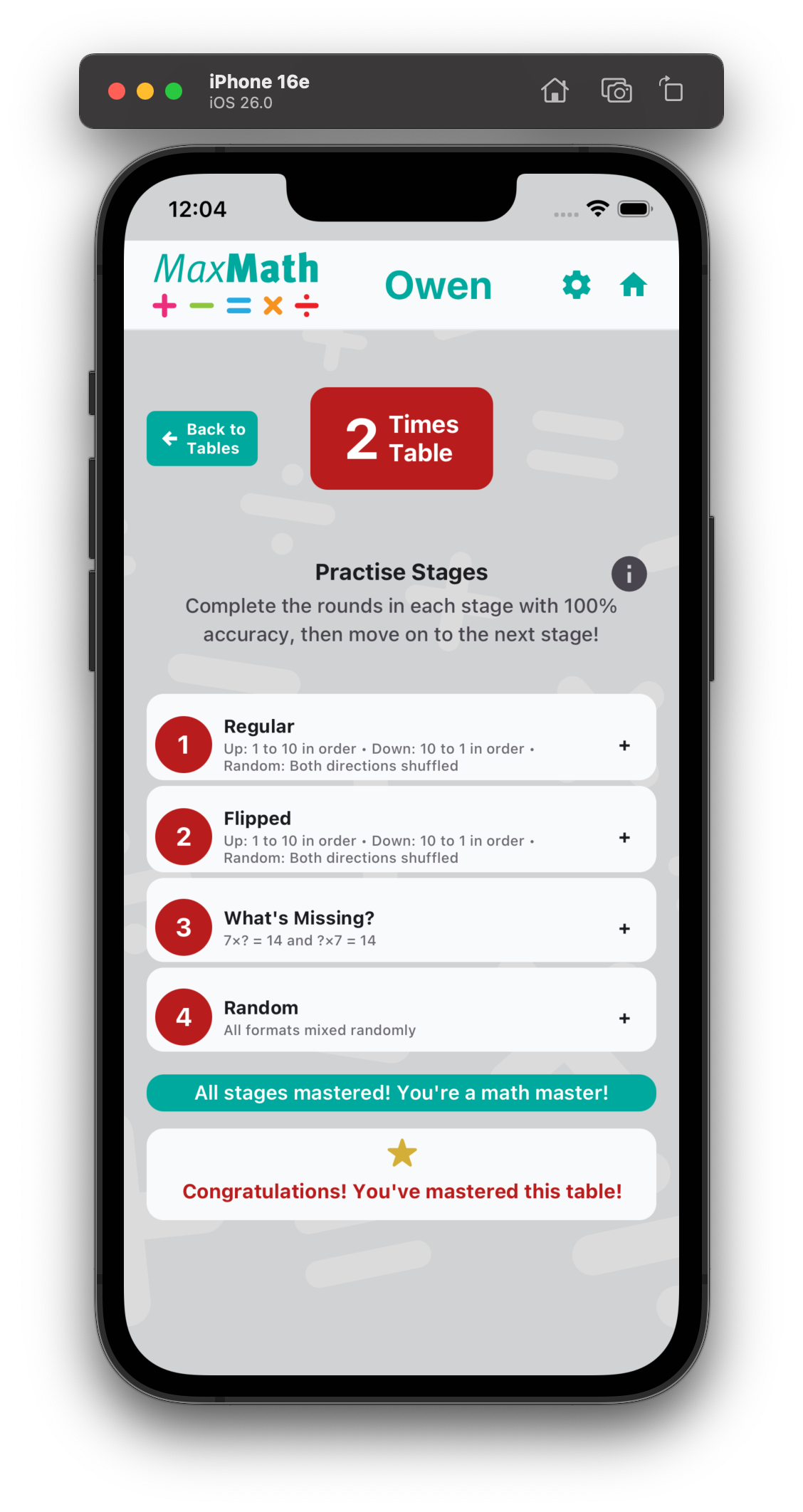
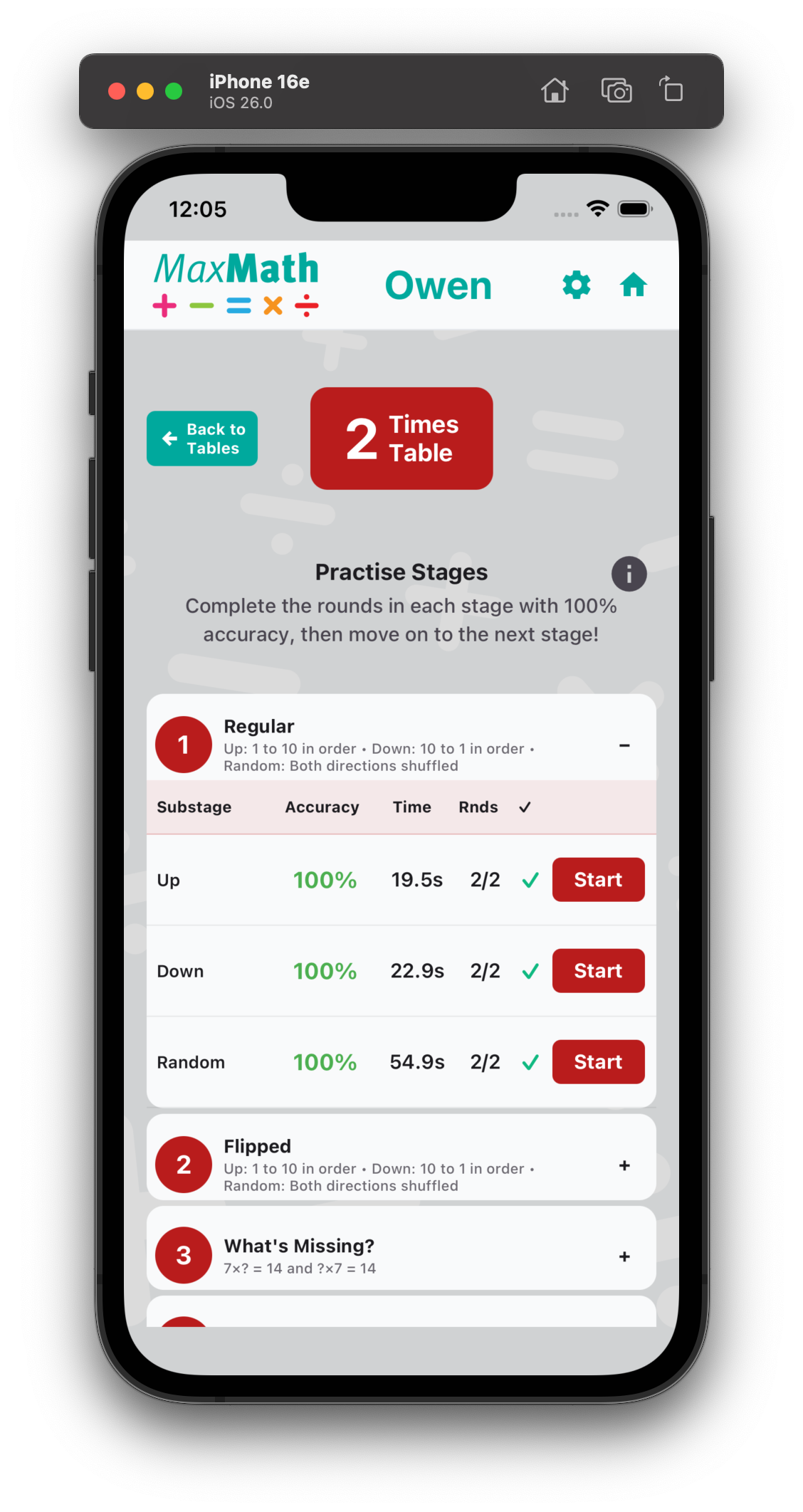
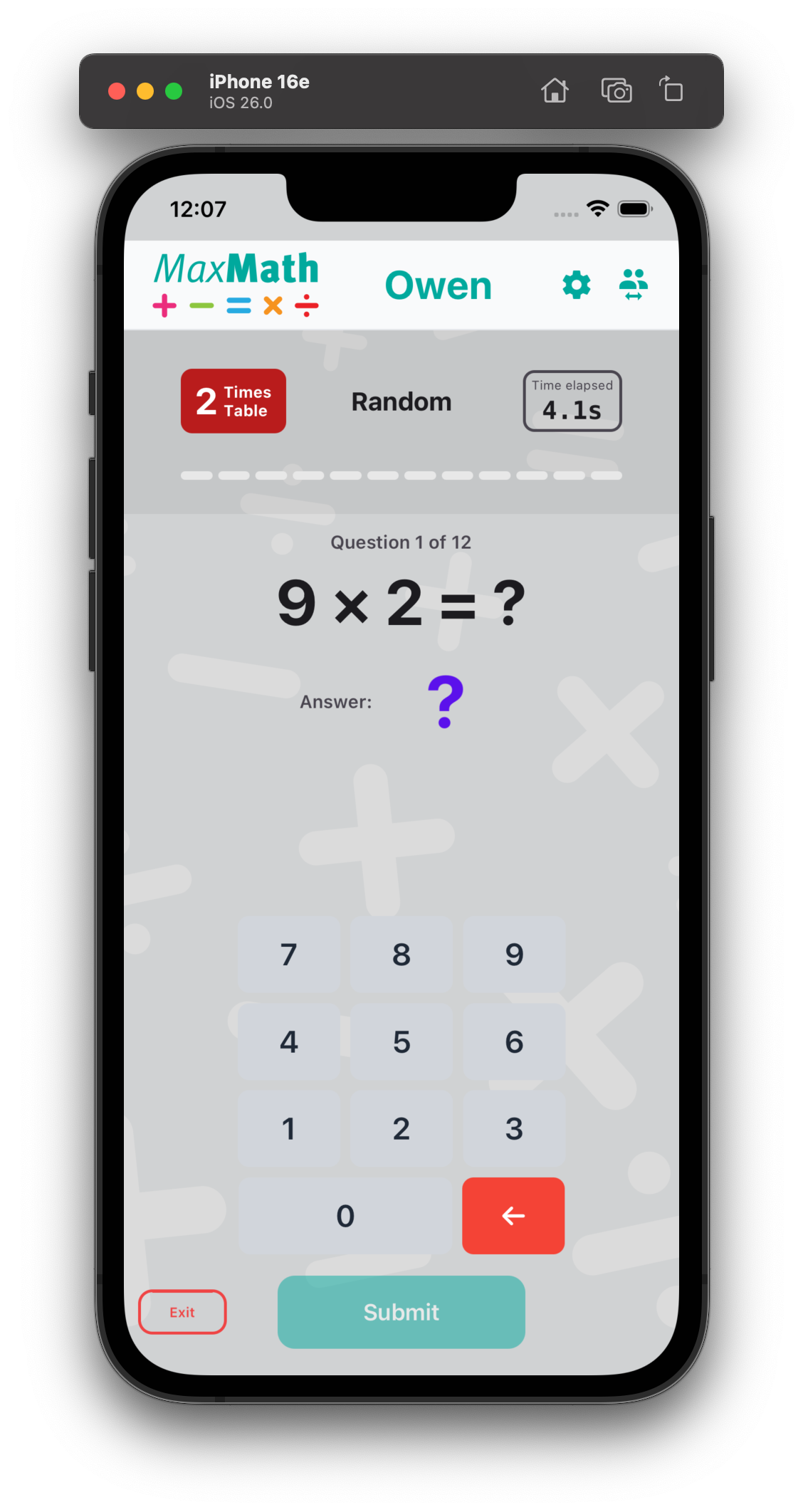
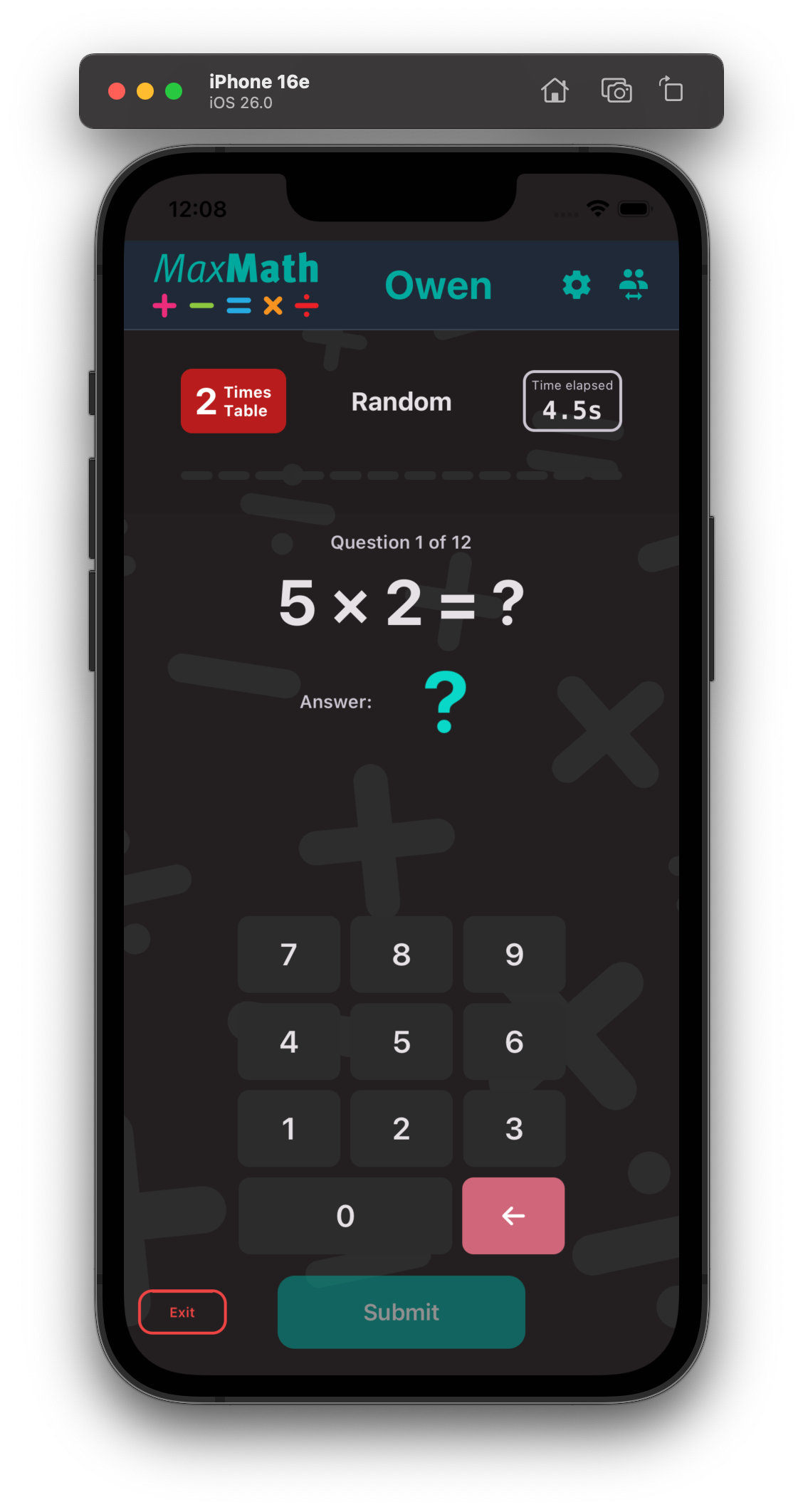
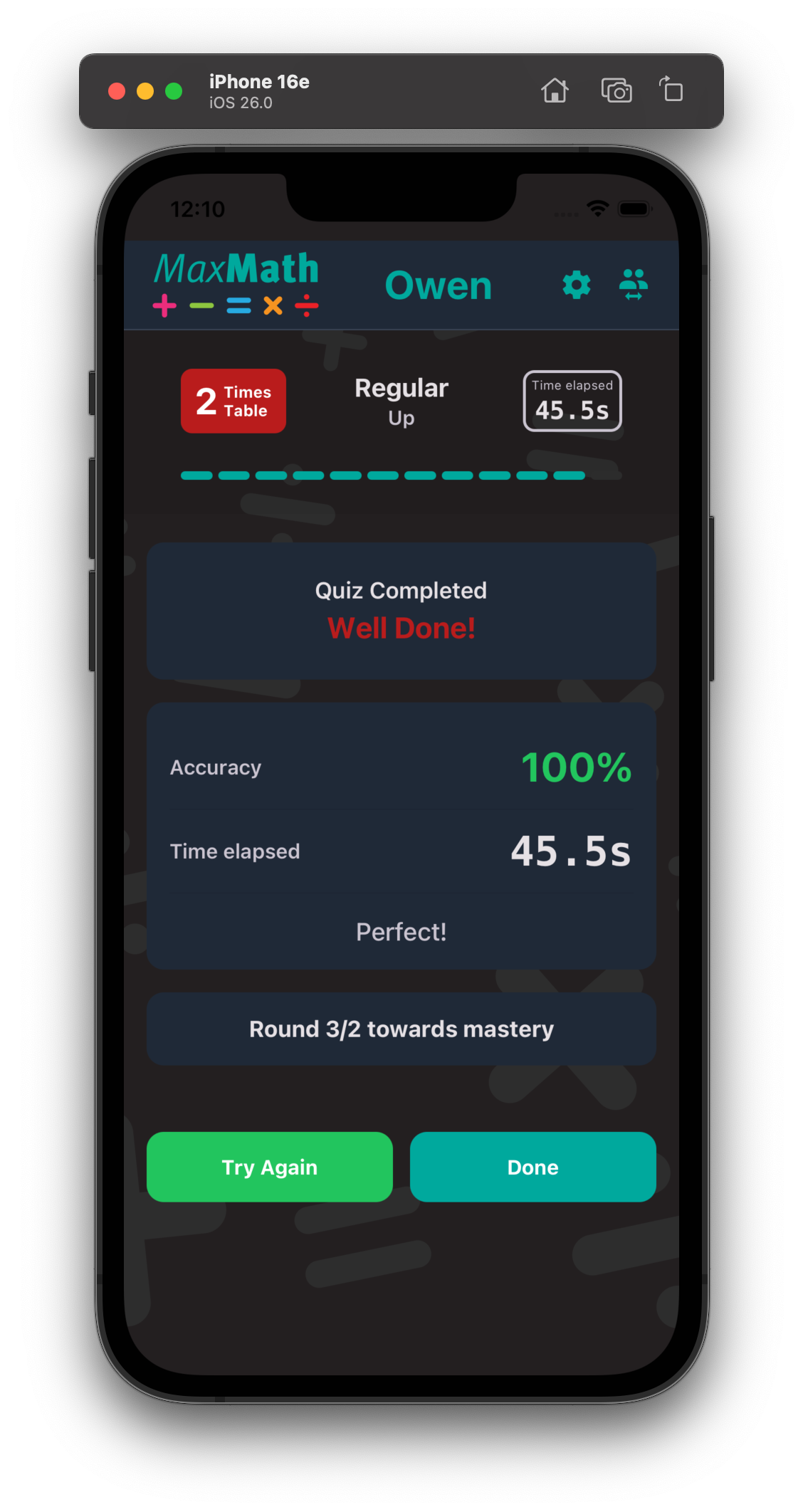
As you can see from the screen grabs above, it’s taken shape quite well. And I’ve opened it up to potentially have other types of quiz – not just Times Tables, though these other types I have not figured out yet.
So – as ever, I created a Product Requirements Document (PRD) with the help of Claud to figure out what functionality the app needed, and then asked Claude to suggest how we approach the build and what developmental stack we needed. And so we got on with it. As ever, when working through the solutions to a project, ideas spring up along the way, so the project has grown arms and legs!
Again to give the project a personality I went through a few names for the app as a working title – this time I called it MaxMath as in it’s a tool to maximise your time practising your maths. It pains me to say it but I called it “Math” rather than “Maths” because Math is what my daughter unfortunately calls it, even though I correct her everytime she says it! And of course if I end up taking this to market, the US market is way bigger than the UK and that’s what they call “maths”.
In turn, I created a logo for the project and set about fleshing out the idea bit by bit.
The screen grabs might not show the full story but it’s a pretty comprehensive app – there’s a lot going on beyond the basic times table quizzes.
It has a setting area where users can define aspects of the app – text sizes, light or dark mode and so on. It has a list of all the users of the app and displays where they are in their progress to Times Table mastery – whoch could. be useful for families and maybe even classrooms, to track progress. It has a dashboard to select the times table to work on – and inside it shows all of the quiz types to help you master a table – Ascending ( 2 x 1, 2 x 2 etc), Descending (2 x 12, 2 x 11), Flipped ( 1 x 2, 2 x 2, 3 x 2 etc), Flipped Descending, What’s missing? – where the user has to input the missing numbers in the question, and Random. Once a student can do the Random quiz twice without any mistakes, they’ve mastered the table and can move on to another table.
Ultimately, once all the tables are mastered individually, then there’s the Master Quiz which tests you on all of the tables and the various configurations that questions may be put to you. And once you’ve done that twice with no errors, you become a Times Table Master! In addition to the times tables, I’ve also added in Squares and Square Roots, and there’s a comprehensive stats page which shows your full progress.