BeatFreq

BeatFreq

In my further exploration into vibe-coding, one day when noodling about trying to make a decent tune, I had a realisation that I needed some way to calculate the settings for a delay effect I was wanting to program. So I went on the internet to see if there were any tools out there which would help me. I found a few online Delay calculators, but then thought “wouldn’t something like this be good if it was a plugin which can be rolled out as and when needed”, as opposed to having to get out a calculator, or using the internet again. So I developed this plugin.

It also gave me an excuse to use Claude Code again, which I had begun to try out when working on my Times Table Trainer, MaxMath.

The project took shape – I searched for all the obvious online calculators, as initial reference points to see how other people were tackling the problem. I then went about trying to formulate an outline of what the plugin would do.
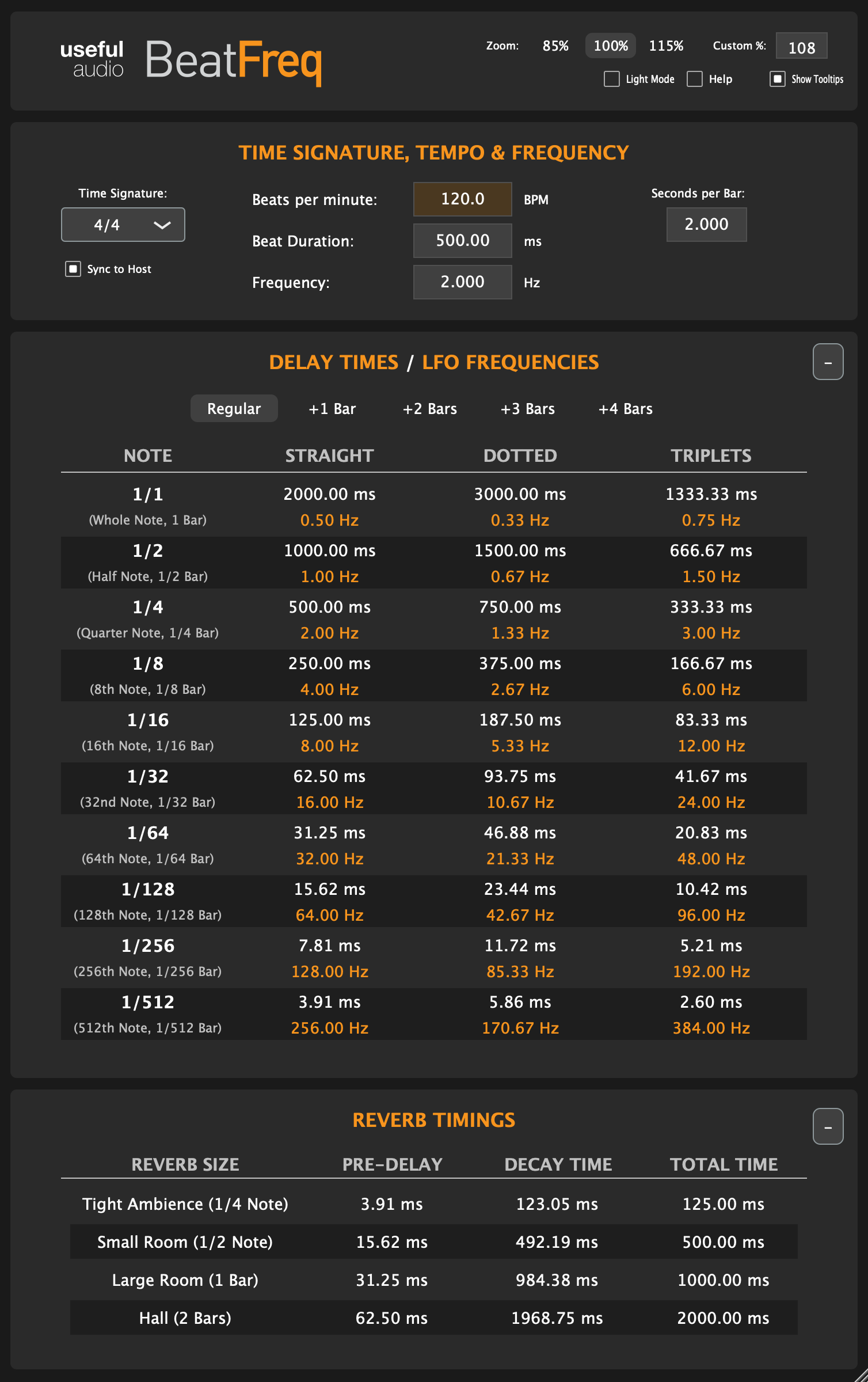
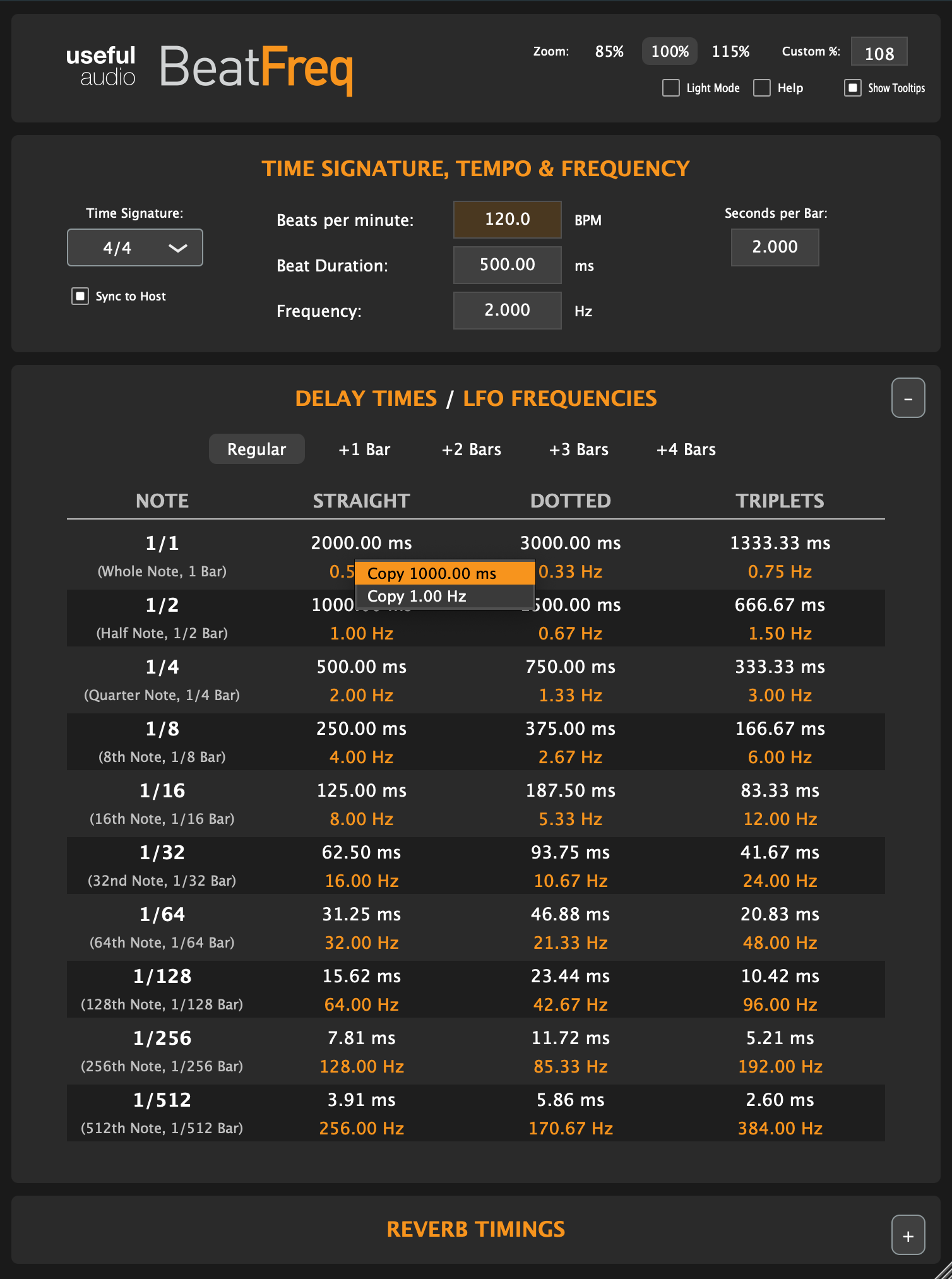
In essence the plugin calculates the subdivisions of beats based on the tempo of a track being worked on. The beat centred calculations are fairly straight forward, but timings of things such as Reverb are slightly complicated by the Time Signature of a track. And of course the amount of data calculated can make this slightly unwieldy.

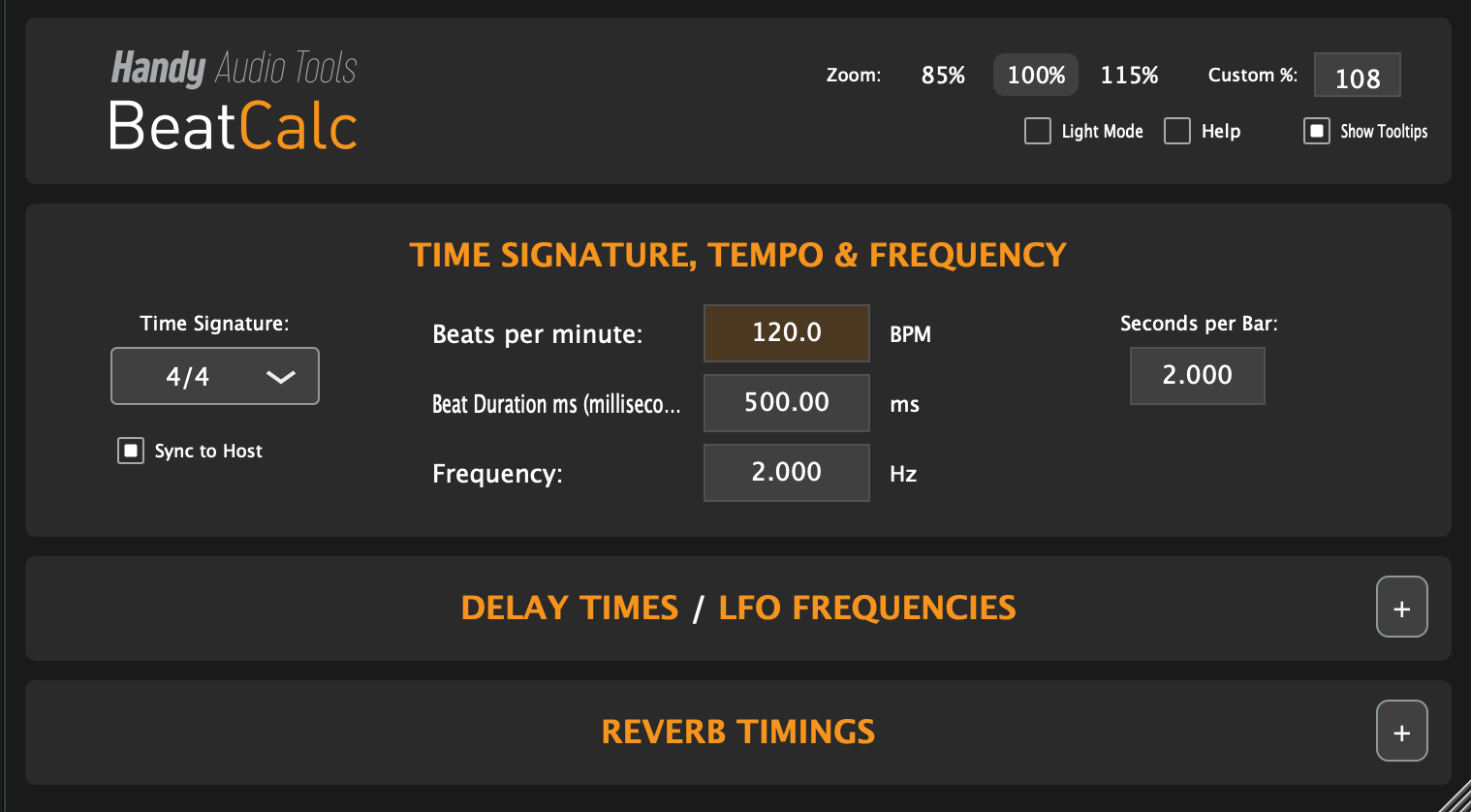
The idea is still in development, but I needed a working title for the project so that I could install plugins to test, so I brainstormed a few ideas, starting with DelayCalc, and then TimeCalc, but eventually have settled on BeatFreq as the plugin name, with AUtopia, Handy Audio Tools, and finally,Useful Audio as the developer name. Pretty basic stuff, but useful to get a feel of the product in a live environment – how the brand names feel in use, and so on. Branding in many respects is personal preference, but I like to feel logos and brand names and stuff in practise – sometimes the best brand/logo is the identify which annoys you least over time, rather than it being the one which feels best out of the box!!!
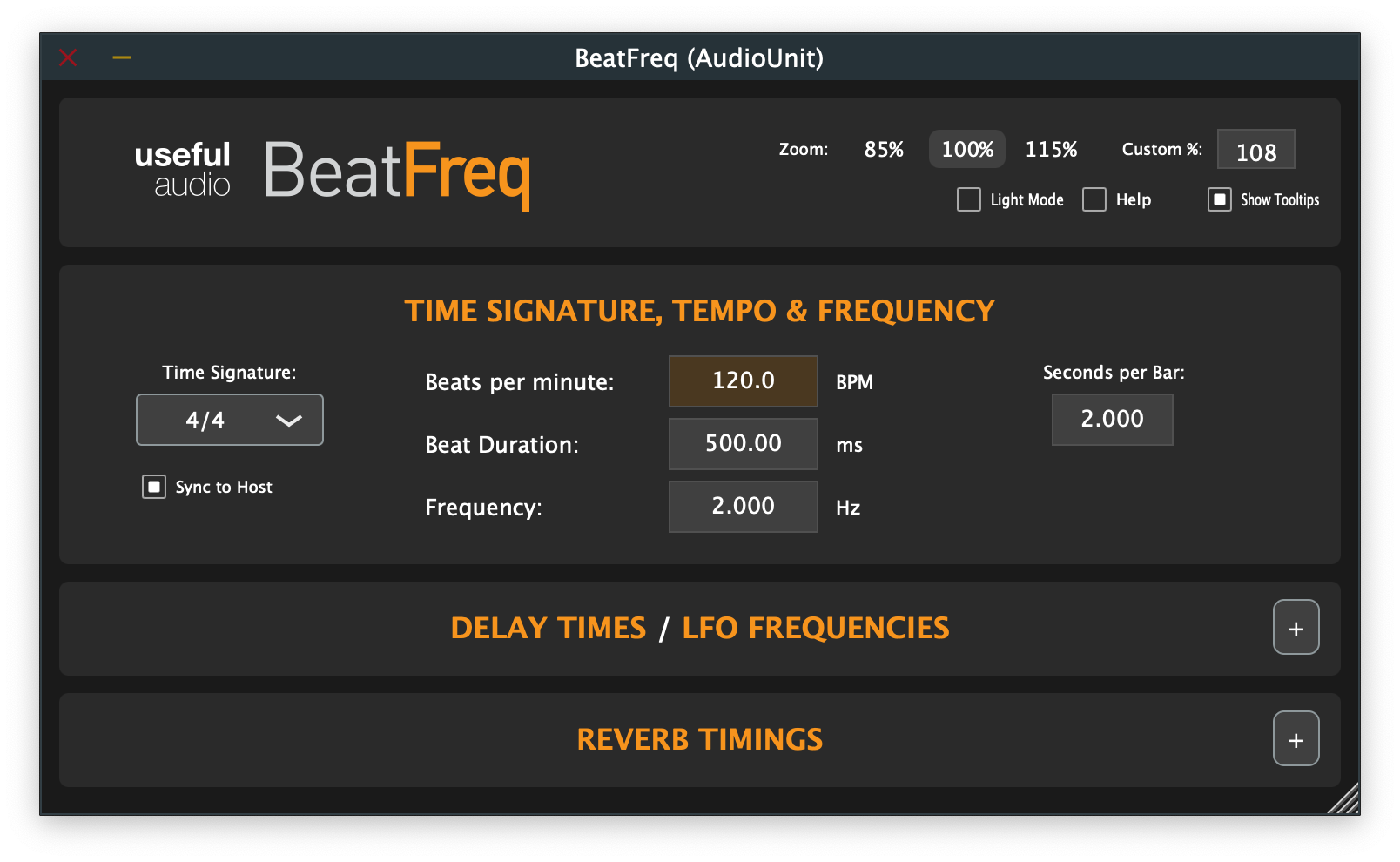
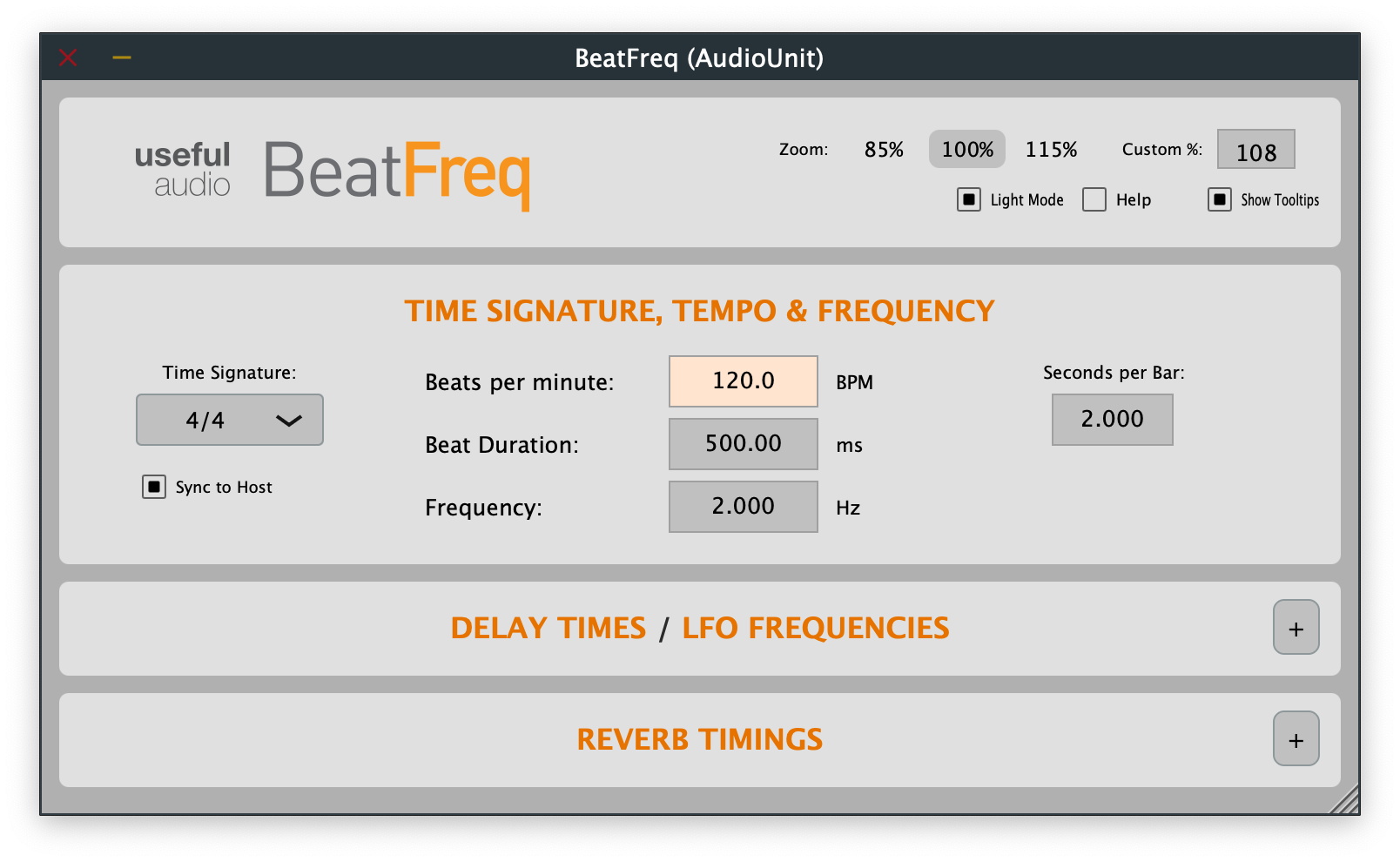
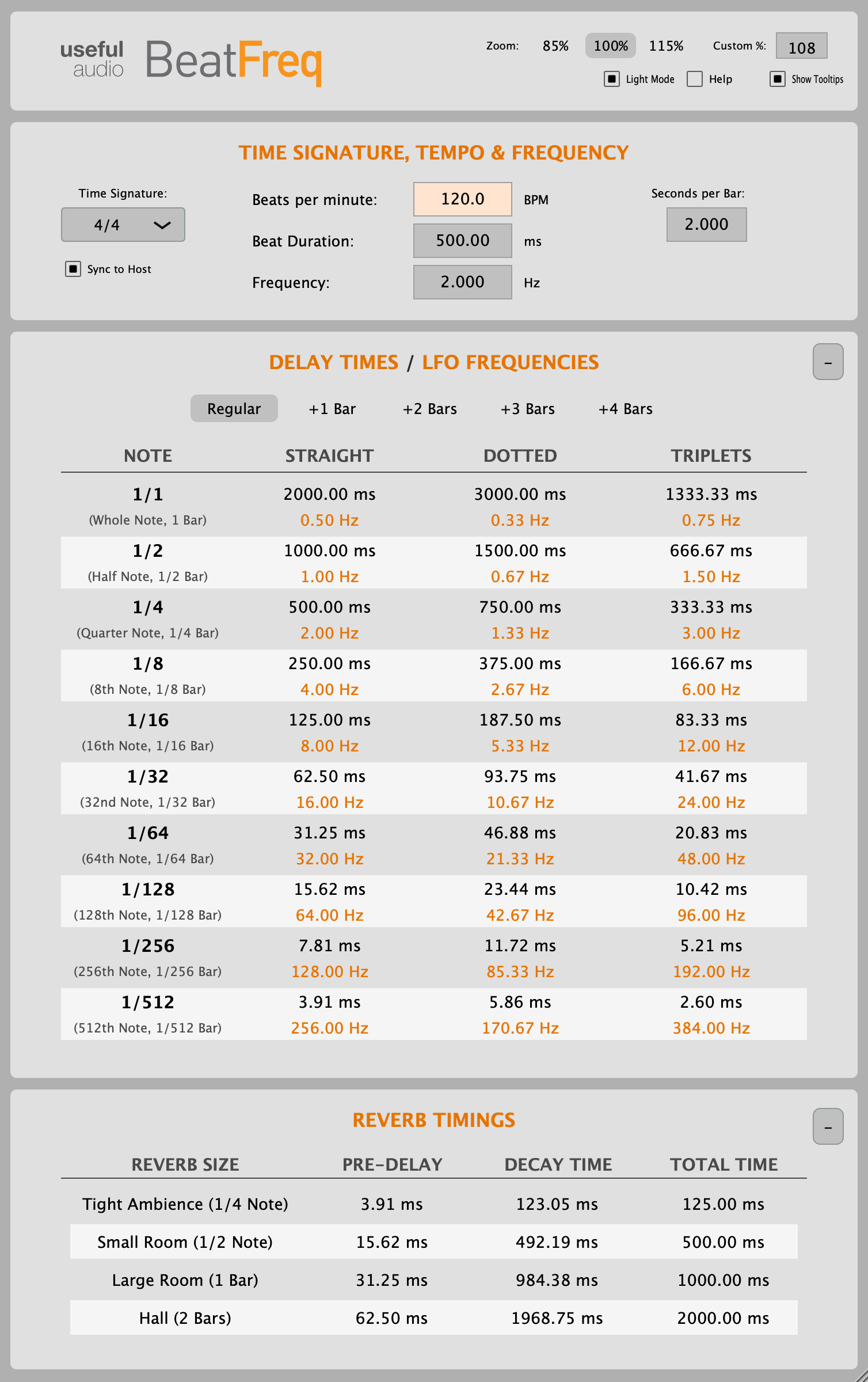
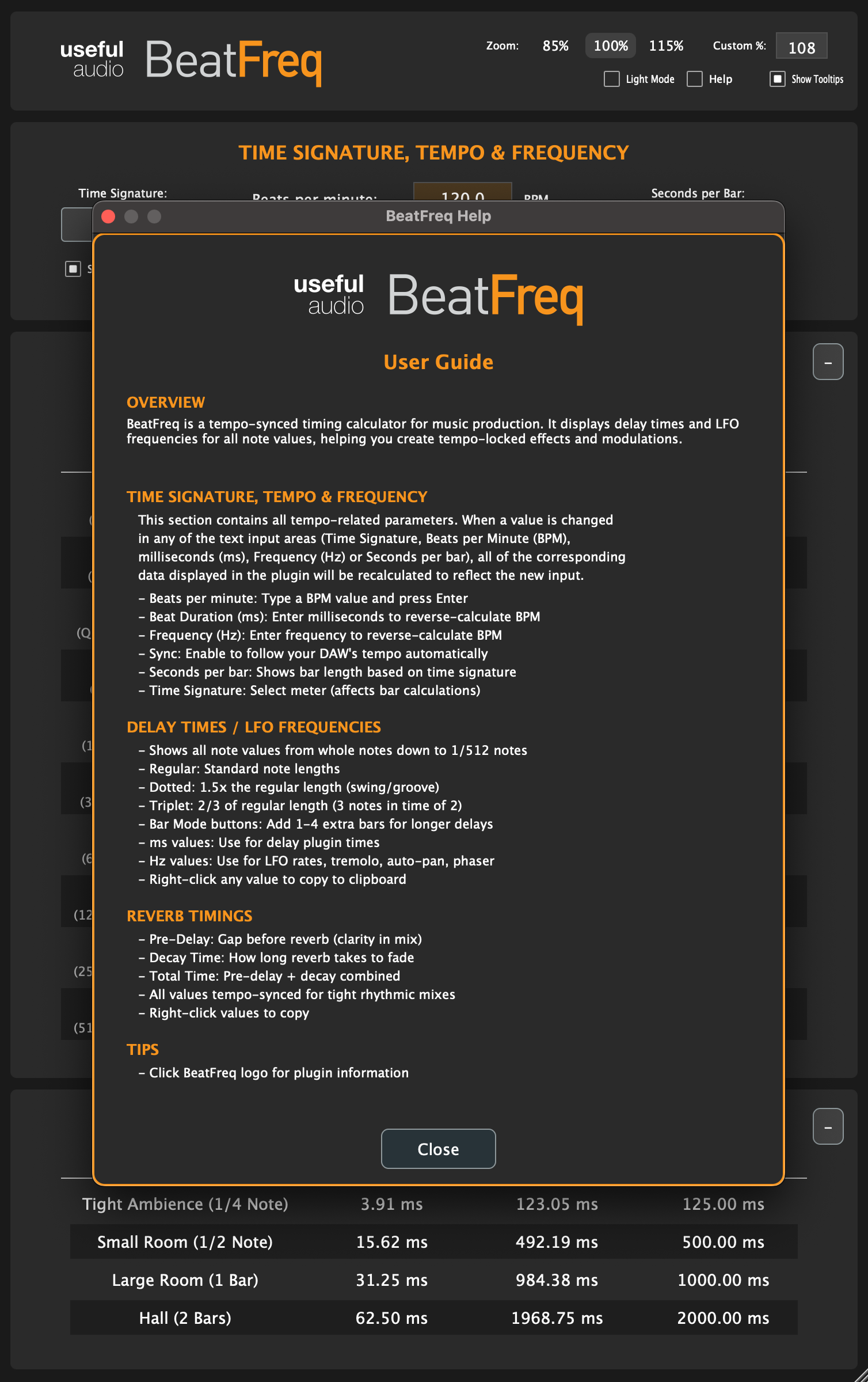
From the screen grabs above you can see how the plugin has taken shape. There’s two visual modes as is the norm these days for a lot of software, dark and light. The sections in the plugin can be expanded/contracted, and it’s fully scaleable which is useful for people with failing eyesight. There’s tooltips to explain the various elements of the plugin, and a help section with an overview of functionality. And from a functional perspective, all of the values calculated in the tables can be copied/pasted by right clicking the mouse button. This is super handy to use in other software when producing/engineering.

It has a standalone version too – so doesn’t need to be in a Digital Audio Workstation to be used. I have ambitions of rolling this out to iOS and Android too though I’ve yet to properly figure out how to monetise it given that utilities such as this are not commonplace, and I think probably wouldn’t command much of a price. But I have friends in the trade I will be seeking advice from. It will be interesting seeing how this pans out!

Owen Johnson : Portfolio